

Postcards with QR Codes: How Feelplex Sound Works
FEELPLEX JOURNAL · HOW IT WORKS
A postcard can show you a beautiful place. Sometimes, it can even let you hear that place. Selected Feelplex postcards and greeting cards include a little extra on the back: a QR code that leads to an authentic sound moment. Here is how it works.
One image. One real sound moment.
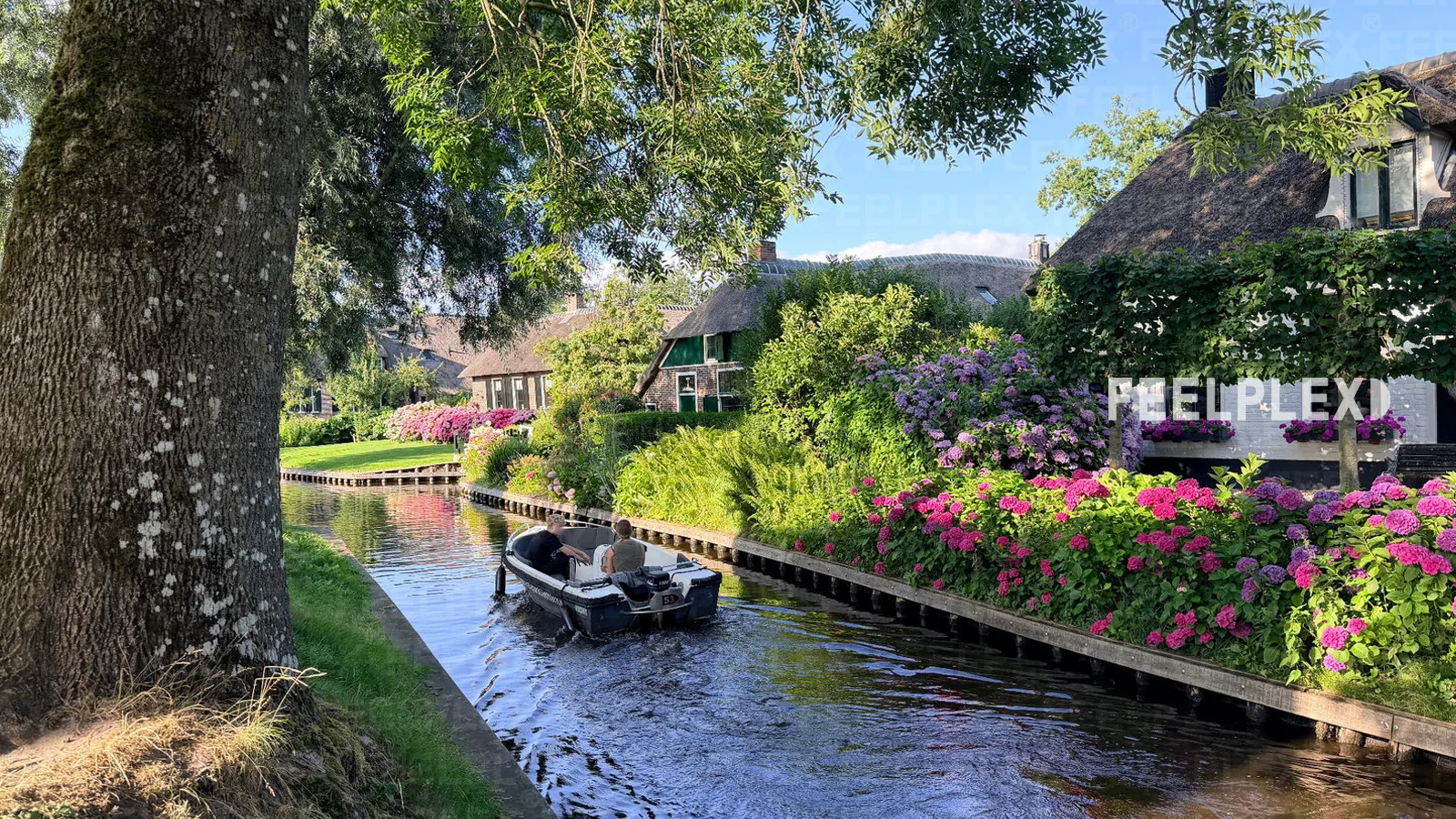
Feelplex captures places as they really are, through photographs and original sound recordings. A waterfall, a distinctive city view, rustling nature or a moment full of movement. Some of these scenes also appear on our printed postcards and greeting cards.
The photograph preserves the view. The accompanying audio recording adds another dimension. It was made at the place shown or in its surroundings, sometimes while the photo was taken and sometimes at another time. In this way, a card becomes a personal greeting that can briefly bring the atmosphere of a place back to life.

How to listen to the sound of your Feelplex card
All you need is the card, a smartphone with a camera, an up-to-date web browser and an internet connection. No additional app is required.
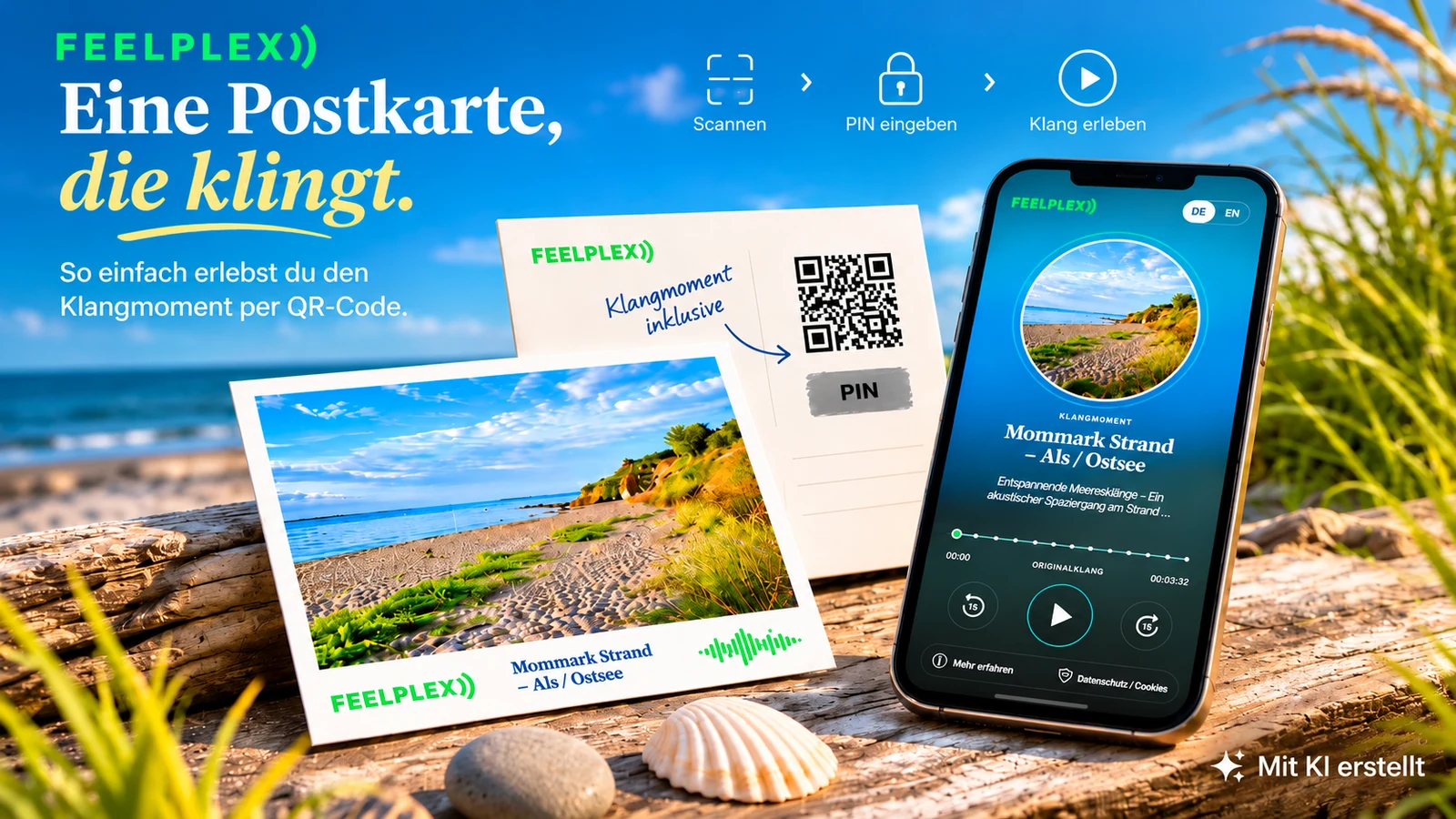
Find the QR code and scratch-off field
Look at the back of your card. Cards with an audio extra feature a QR code and a concealed PIN field. A scratch-off sticker protects the PIN.

Carefully reveal your PIN
Gently remove the coating using the edge of a coin or a similar object. Your four- or five-digit PIN will appear underneath. Keep the card safe, as you may enter the PIN again for permitted use while access remains valid.
Scan the QR code with your smartphone
Open your smartphone camera and point it at the QR code. Tap the detected link. Your browser opens the Feelplex page with the audio player associated with the card.

Enter the PIN to unlock the sound
The player displays a field for your PIN. Enter the digits you revealed and confirm. If the code is valid, the corresponding sound will be made available for listening.

Press Play and enjoy the moment
Now just tap Play. Close your eyes for a moment if you like, and let the authentic sound tell its story. Headphones can make quiet details and the surrounding soundscape particularly enjoyable.

Why is QR audio protected by a PIN?
Together, the QR code and PIN provide access to the respective sound moment. The additional step is intended to prevent unrestricted access to the full complimentary audio simply by sharing or photographing the QR code. Access patterns may also be checked for unusual activity to help limit misuse.
The PIN is not a puzzle or an additional purchase requirement. It is an access safeguard for the optional audio extra. Please do not share it publicly.
Frequently asked questions about QR audio

Can I use the PIN more than once?
Yes, you can generally enter the PIN again as long as access remains valid and your use is within the permitted conditions. This does not guarantee unlimited plays or permanent availability.
When can a PIN be rejected or become invalid?
Access may be restricted or blocked, particularly for the following reasons:
- The maximum number of plays allowed for this access has been reached.
- The usage period or validity period for this access has expired.
- There are indications of unusual or abusive use, such as suspicious simultaneous access from different IP addresses.
Technical problems or the discontinuation of the optional feature can also prevent audio from loading. A rejected PIN does not necessarily indicate misuse.
What can I do if my PIN is not accepted?
First, check that you entered the digits correctly and that your smartphone is connected to the internet. If full access is unavailable, you may be able to listen to a protected preview using the “Audio Sample” button, if offered for that recording. This preview does not replace the full complimentary audio.
Do I need a customer account or a special app?
For the QR access described here, you normally do not need an additional customer account or a special app. A suitable smartphone, a web browser and an internet connection are sufficient.
A greeting that stays with you
A beautiful postcard puts a place on paper. The optional Feelplex audio can add something more: the rustle, movement and atmosphere behind the picture. A small greeting becomes a moment you can not only see but also hear.
Whether on a desk, pinned to a board or delivered as a personal message: The picture remains. And when the sound is available, the place can come to life for a moment.
FEELPLEX · REAL PLACES. REAL SOUNDS.Discover our postcards and greeting cards featuring authentic places.